e-LKM and e-LMM systems in Malaysia
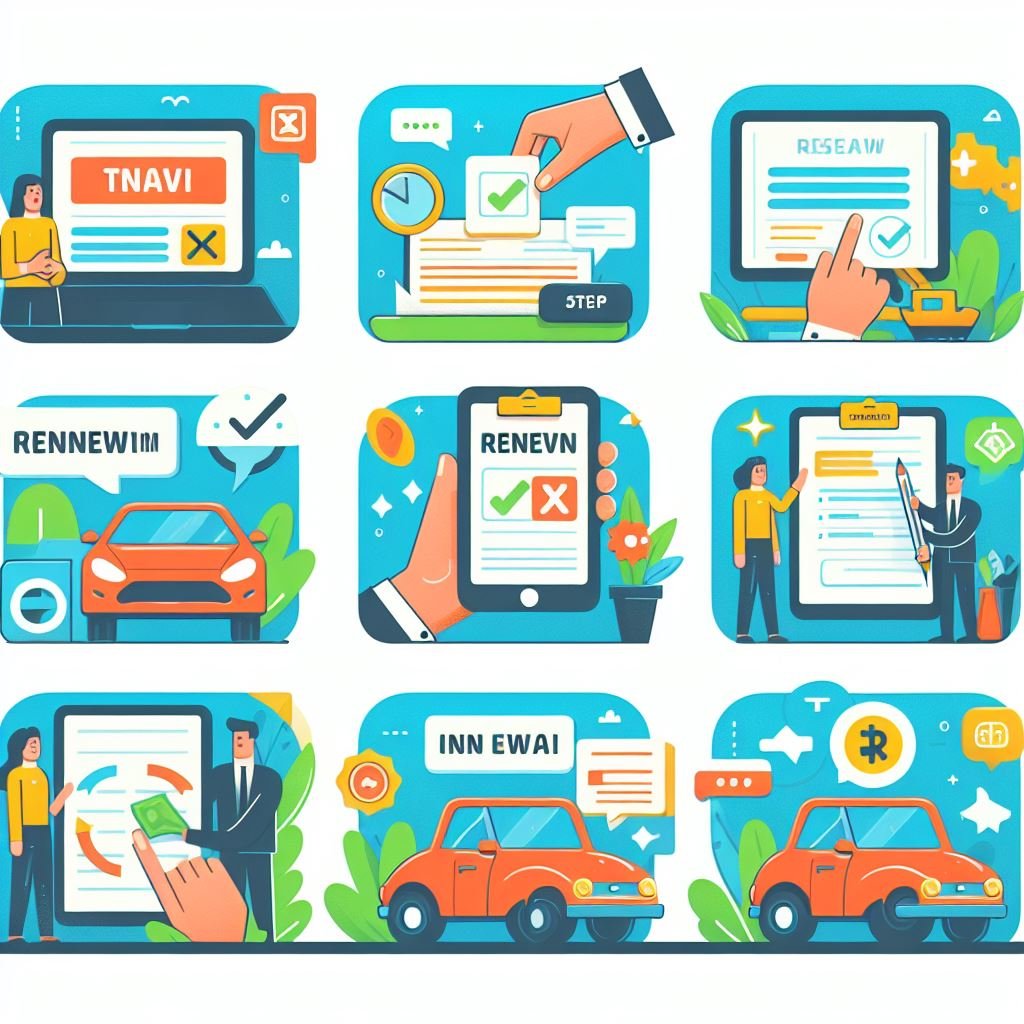
Technology has transformed every sector, saving time and creating sustainable ways to provide services. To keep up with this progress, the Malaysian Transport Authority has digitized vehicle and driving licenses by introducing the e-LKM and e-LMM systems.
This digital initiative, launched on February 10, 2023, is part of the Ministry of Transport’s digitalization plan. It aims to save time and costs for both road users and the government, offering a more convenient way for citizens to manage their licenses.
(No more physical tax stickers or driving licenses)
What is e-LKM and e-LMM?
These are the two digital formats introduced by the Road Transport Department (JPJ) to replace physical documents:
e-LKM
The digital version of the official vehicle registration, replacing the physical road tax sticker.
e-LMM
The digital version of your driving license, which is now accepted as a valid document by authorities.
Read more: Digital Road Tax System in Malaysia
Legal enforcement for the e-LKM, e-LMM
With this initiative, the government announced that Section 20 of the Road Transport Act 1987, which requires road tax to be displayed on vehicles, is no longer enforced for private vehicle owners using the digital system.
However, compliance is still essential. Anyone driving without a valid road tax or license can still face legal action under the relevant sections of the Act.
Key features of e-LKM and e-LMM
This digital revolution replaces traditional methods with a more reliable system. Here are the main benefits:
Accessibility:
You can access your license and road tax anytime, anywhere via the MyJPJ app or JPJ online portal. There is no need to carry physical cards.
Convenience:
Renewals are done entirely online, saving you from long queues and time-consuming visits to JPJ counters.
Security:
Digital licenses are protected by digital signatures and encryption, making them tamper-proof and reducing the risk of fraud or fake licenses.
Environmentally friendly:
By removing the need for physical stickers and cards, the system reduces paper waste and contributes to a greener environment.
Budget-friendly
The government saves significant costs on printing and materials. Authorities estimate this move saves RM96 million annually.
Registration process step by step
Registering for the digital system is simple. To encourage adoption, the government even offered rebates (such as the RM5 rebate for digital renewal in 2024).
To encourage the adoption of the digital driving license, JPJ will be offering an RM5 rebate for those who choose to renew their driving license digitally (e-LMM) from February 1, 2024, until the end of the year.
The offer is only valid for Malaysian citizens renewing digitally via JPJ counters, the mySIKAP portal, the MyJPJ app, or a JPJ partner (Pos Malaysia outlets and MyEG).
Here’s how you can register for e-LKM and e-LMM:
Requirements:
Instructions:
Download the MyJPJ app:
Create an account or log in:
Register for e-LKM:
Register for e-LMM:
Alternatively, you can register through the JPJ online portal:
Problems regarding e-LKM, e-LMM
No, doubt it is the advanced system to regulate roads and transportation. But in the beginning, there are some problems faced by the users. Which makes it negligent to adopt this digital system.
Limited awareness:
Some drivers may not know the digital option exists or feel unsure about switching from physical cards.
Technical issues:
Users might occasionally face app glitches or login errors that hinder access.
Not accepted everywhere:
While legally valid, there may be rare instances where physical licenses are requested due to confusion
Support: If you face any issues, you can contact JPJ directly. Inquiries can be emailed to infodigital@jpj.gov.my or you can call the RTD hotline at 03-2724 2522.
Conclusion
The e-LKM and e-LMM systems represent a major step forward for Malaysia’s transport sector. We have covered the key features, the simple registration process, and how to handle potential challenges. By switching to digital, you contribute to a more efficient, secure, and environmentally friendly system.